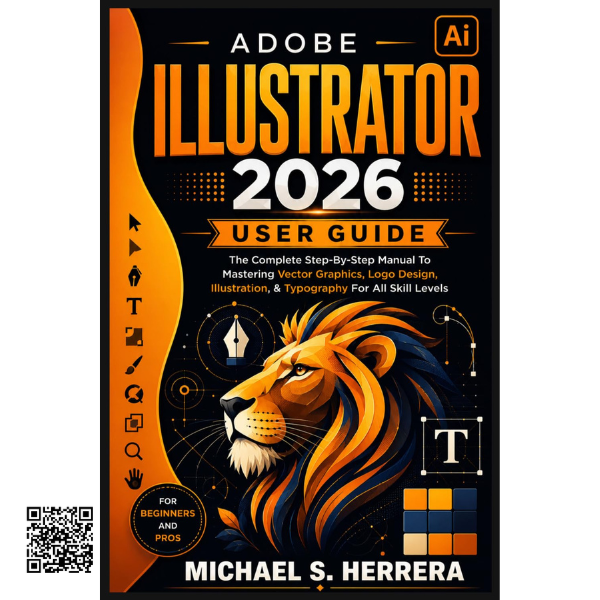
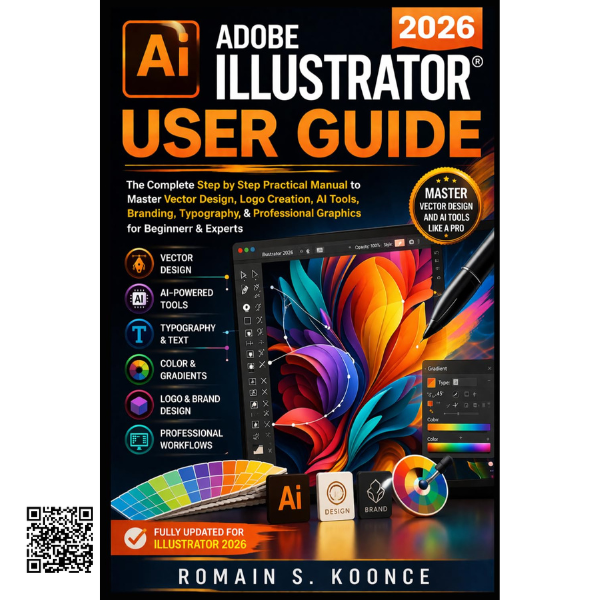
Build Your Adobe Illustrator Skills Step by Step
Adobe Illustrator offers an extensive collection of powerful tools for creating
professional vector artwork, logos, illustrations, typography, branding and
digital graphics. For new users, however, the large number of menus, panels,
settings and creative tools can make the software feel complicated.
This practical guide is designed to make the learning process clearer and more
approachable. Rather than overwhelming you with unnecessary technical language,
it focuses on practical skills and step-by-step learning so you can understand
Illustrator and begin applying your knowledge to real creative projects.
From First Steps to Professional Artwork
The lessons are structured to build naturally from one skill to the next.
Starting with the basics of creating and managing documents, you can gradually
develop your understanding of Illustrator’s workspace, tools and creative
workflows before progressing into more advanced design techniques.
- Navigate and organize the Illustrator workspace efficiently
- Create, edit and manage vector graphics
- Work with layers, shapes, paths and precise design elements
- Create professional logos and visual graphics
- Develop illustrations using essential drawing tools
- Work confidently with typography and text
- Apply colors and other visual design techniques
- Prepare artwork for print and digital applications
Practical Tools & Productive Workflows
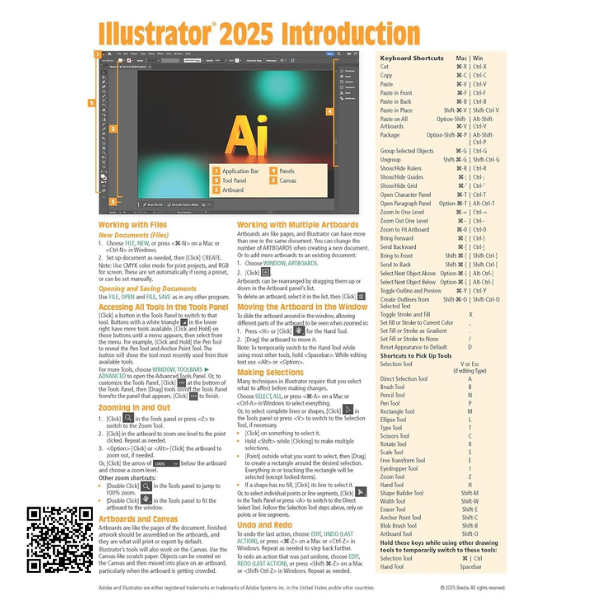
Learning a design application is not only about knowing what each tool does.
Efficient workflows can make a major difference when working on creative
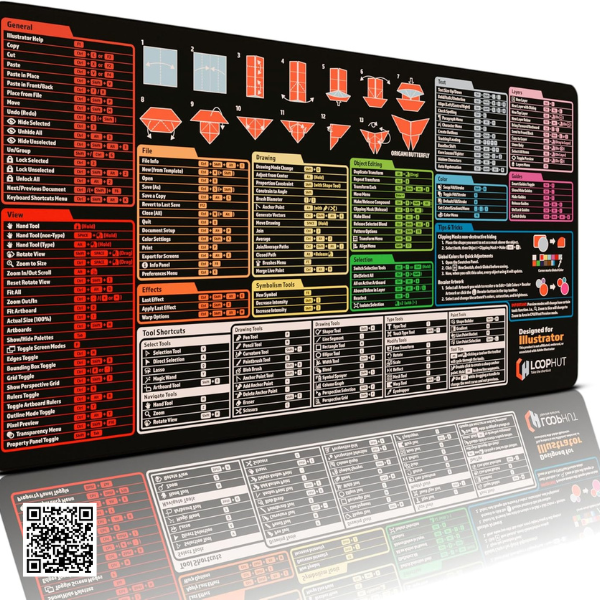
projects. This guide introduces useful productivity techniques, keyboard
shortcuts and practical approaches that can help you work more efficiently.
Vector Graphics
Understand the foundations of scalable vector artwork and graphic creation.
Logo & Illustration
Develop practical skills for creating logos, illustrations and visual assets.
Typography
Learn how text can be integrated into professional graphic compositions.
Productivity
Improve your workflow with shortcuts, practical techniques and troubleshooting guidance.
Suitable for Different Skill Levels
Whether you are opening Illustrator for the first time or looking for a
practical reference to strengthen existing knowledge, this guide is designed
to support a range of learning goals.
- Beginners learning Illustrator from the ground up
- Self-taught designers improving their existing skills
- Students studying graphic design and digital art
- Freelancers developing professional design abilities
- Entrepreneurs creating graphics for their businesses
- Creative professionals seeking a practical reference
Create With Greater Confidence
The goal is simple: spend less time searching for answers and more time
creating. By developing your Illustrator knowledge one step at a time, you
can build a stronger foundation for producing artwork that is organized,
polished and ready for your intended use.
Learn. Practice. Create.
Build your Illustrator knowledge through clear explanations, practical
techniques and progressive learning designed to help you become more
comfortable and capable with your creative workflow.