Build Confidence with Windows 11
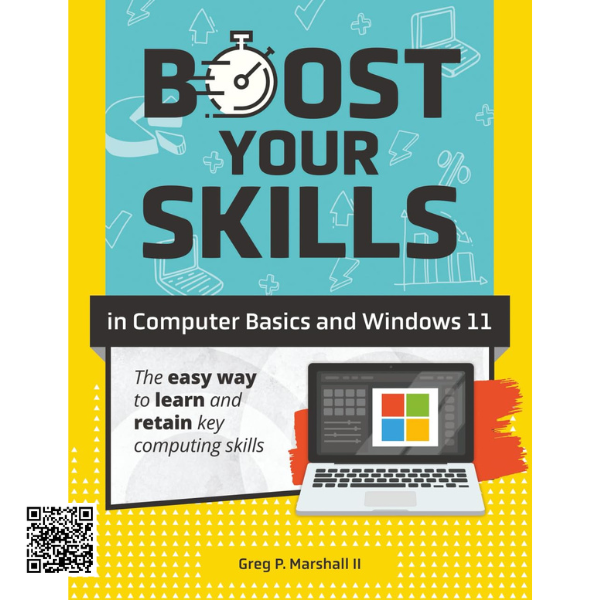
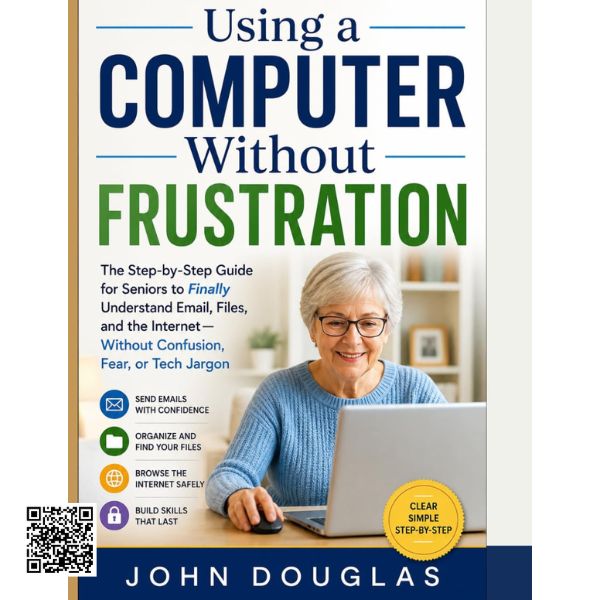
Learning to use a computer can feel overwhelming, especially when unfamiliar menus, applications, files, and online services are involved. This practical guide is designed to make Windows 11 easier to understand through clear instructions, illustrations, exercises, and step-by-step learning.
A Practical Foundation for Beginners
The guide introduces the essential Windows 11 skills needed for everyday computer use. Readers learn how to log in and out, work with the mouse, navigate the Start Menu, restart or shut down the computer, and become familiar with the Windows environment.
It is designed for beginners, seniors, students, and anyone looking to develop practical computer skills for personal, educational, or workplace use.
Apps, Windows & Everyday Navigation
Learn how to start and control applications, work with the Taskbar, resize and move application windows, switch between programs, and use touch controls and gestures on compatible devices.
The guide also introduces online accounts and Microsoft 365 for the Web, helping learners become more comfortable using modern productivity tools.
Create and Manage Documents
Discover how to create documents with Word Online and perform everyday editing tasks. Learn how to enter and modify text, copy and paste content, apply basic formatting, save documents, and prepare them for printing.
Email & Online Communication
Build confidence with email by learning how to create and send messages, receive and reply to emails, save and organize important messages, and recognize common email threats. These skills help users communicate more independently while developing safer online habits.
Files, Folders & Cloud Storage
Learn how to navigate drives and folders using File Explorer and find files more efficiently. The guide covers creating, moving, copying, deleting, and restoring files and folders, as well as uploading and downloading files through cloud services.
Internet Skills & Safer Browsing
Explore the fundamentals of using a web browser, navigating links, saving favorites, reviewing browser history, printing and downloading online content, and conducting research on the internet.
The guide also introduces safer online practices, including protection against web threats and responsible use of social media websites.
Windows Settings, Updates & More
Continue building your Windows 11 knowledge by exploring system settings, updates, and the Windows App Store. These topics provide learners with additional tools for maintaining and customizing their computer experience.
Learn at Your Own Pace
With practical examples, structured topics, and clear learning objectives, this guide provides a useful pathway from basic computer operation to confident everyday Windows 11 use. It focuses on skills that can help users communicate, organize files, work with documents, browse the web, and stay productive and safer in a digital environment.