Computer Skills Made Simple
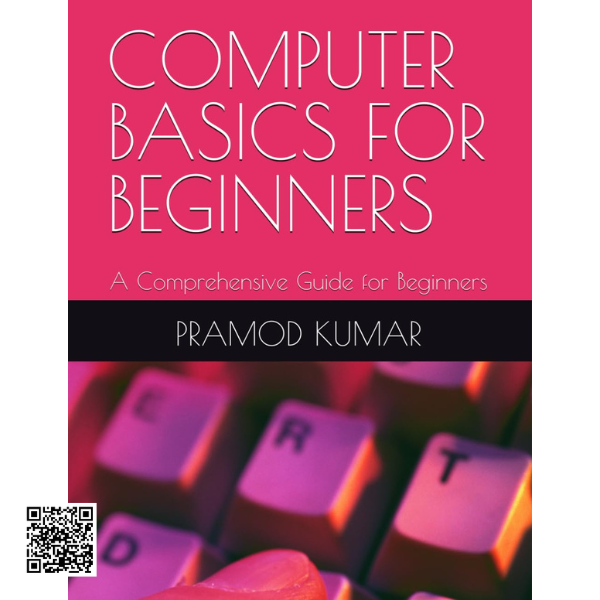
This comprehensive beginner’s guide provides a clear and practical introduction to computers and essential digital skills. Designed for learners with little or no previous experience, it combines simple explanations with practical instructions to make everyday computer tasks easier to understand.
Understanding Computers
Start with the fundamentals of computer technology, including what computers are, how they work, and the role of different hardware components. Learn about monitors, keyboards, CPUs, memory devices, peripherals, and other important parts of a computer system.
The guide also introduces the strengths and limitations of computers, proper startup and shutdown procedures, and good computer-room practices.
Desktop & Essential Computer Features
Become familiar with the desktop environment, including icons, the taskbar, input devices, output devices, storage devices, and other peripherals. Step-by-step explanations make it easier for beginners to understand how these components work together.
Working with Paint
Learn the basics of image editing using Paint tools. The guide introduces useful features such as the pencil, eraser, brush, selection tools, and viewing options, helping beginners develop practical skills for creating and editing simple images.
Microsoft Word Basics
Discover how to create and manage documents using Microsoft Word. Learn how to start a document, enter and edit text, use cut, copy, and paste commands, save your work, and apply basic formatting to make documents clearer and more organized.
Internet Fundamentals
Build confidence with essential internet skills, including the requirements for connecting to the internet, opening and navigating a web browser, using search engines, and working with images found online.
Microsoft Excel Essentials
Learn the foundations of Microsoft Excel, from understanding the interface and entering information into worksheets to using basic formulas and functions. The guide also introduces cell formatting and useful keyboard shortcuts for improving everyday productivity.
A Practical Starting Point for Digital Skills
Whether you are completely new to computers or simply want to refresh your basic skills, this guide provides a structured pathway through essential computer concepts and practical applications. Its straightforward approach makes it suitable for students, beginners, professionals improving their digital literacy, and anyone looking to become more comfortable with everyday computer technology.