Beginner Digital Skills
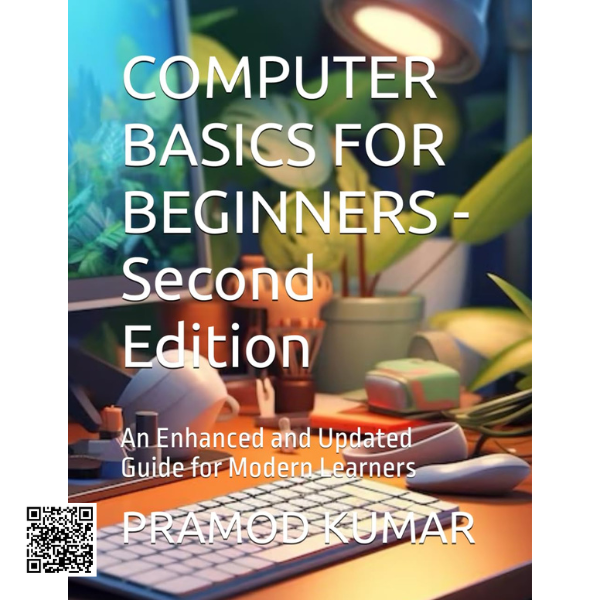
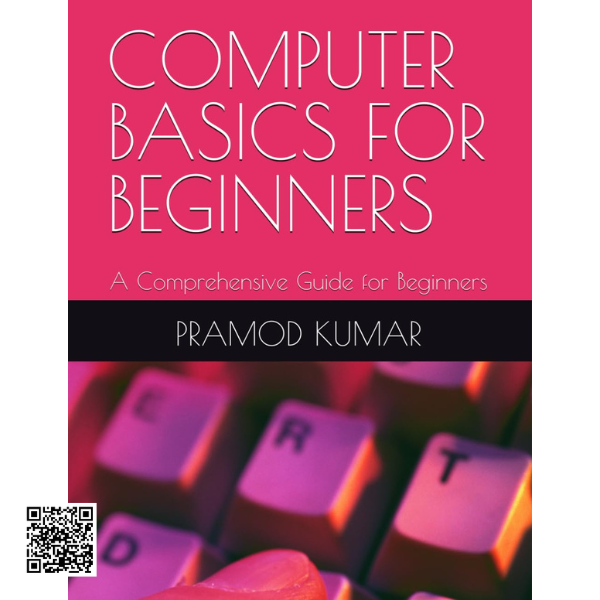
COMPUTER BASICS FOR BEGINNERS – Second Edition
Computer Basics for Beginners – Second Edition is a practical and accessible learning guide created to help students, professionals, teachers, and first-time computer users develop essential digital skills with confidence.
This updated edition combines fundamental computer knowledge with hands-on activities, practical examples, exercises, and real-world applications. It introduces important concepts gradually, making it easier for beginners to understand how computers work and how they are used in everyday life, education, business, healthcare, and other professional environments.
Computer Fundamentals
Understand the World of Computers
Begin with the history, evolution, and generations of computers before exploring different types of computer systems and their applications. The guide also introduces essential components such as memory and storage devices, helping readers understand the purpose of the hardware they use.
Hands-On Learning
Learn by Practicing
Practical activities help learners become comfortable with everyday computer tasks. Topics include starting and shutting down a computer, identifying keyboard keys, understanding basic computer-room practices, and developing good habits when working with technology.
Microsoft Office Skills
Build useful productivity skills through practical introductions to MS Paint, MS Word, and MS Excel. The guide progresses from basic tasks to more advanced features, including document formatting, spreadsheet formulas, shortcuts, and other techniques that can support study and workplace activities.
Internet & Communication
Develop Essential Internet Skills
Learn the fundamentals of connecting to the internet, using search engines, and creating and managing email accounts. These skills provide an important foundation for communication, research, online learning, and everyday digital activities.
What You Will Learn
Computer Fundamentals
Computer History & Evolution
Computer Types
Memory & Storage
Keyboard Skills
MS Paint
MS Word
MS Excel
Internet Basics
Search Engines
Email Management
Digital Literacy
Practice, Review & Build Confidence
Learning is reinforced through interactive practice sections and sample assessments. The “Let’s Practice Now” activities provide opportunities to review concepts after major topics, while sample question papers can help learners prepare for assessments and measure their understanding.
Real-World Applications
Computers are an essential part of modern life. This guide explores their importance across areas such as education, business, healthcare, and other fields, helping learners connect basic computer knowledge with practical situations outside the classroom.
Why This Guide Is Useful
- Uses simplified language for easier understanding
- Combines theoretical concepts with practical computer skills
- Includes illustrated examples and screenshots
- Provides practical exercises for hands-on learning
- Includes practice sections throughout the learning journey
- Offers sample question papers for assessment preparation
Build Your Digital Confidence
Whether you are learning computers for the first time, improving your workplace skills, or teaching computer fundamentals to others, this second edition provides a structured pathway from basic concepts to practical digital tasks. Start with the fundamentals, practice essential skills, and develop the confidence to use computers more effectively.