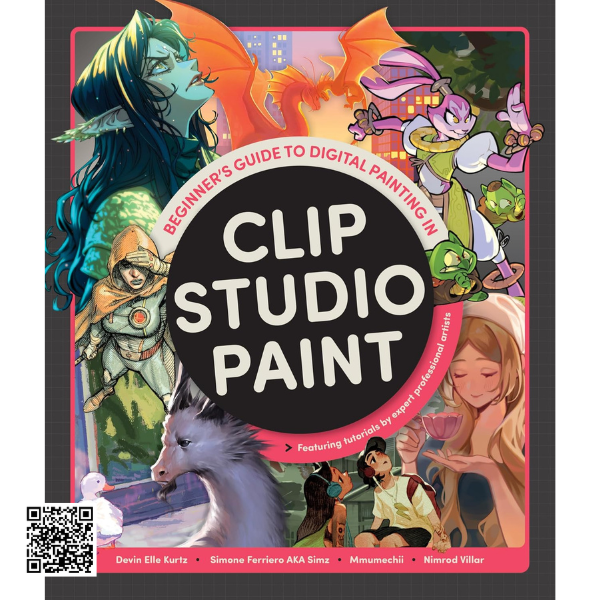
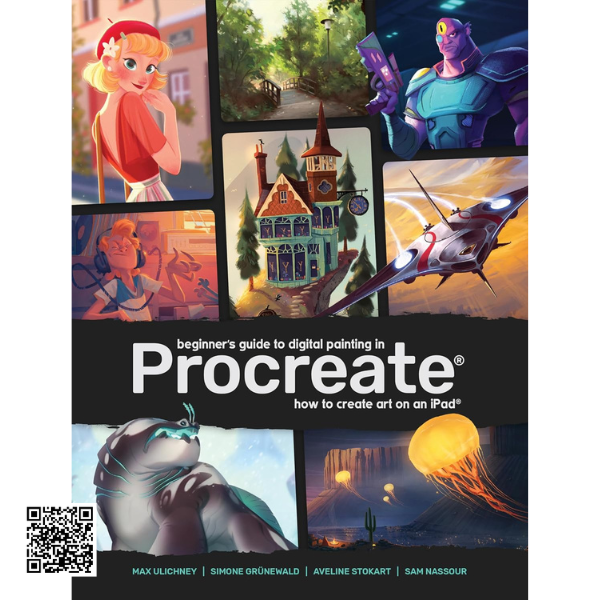
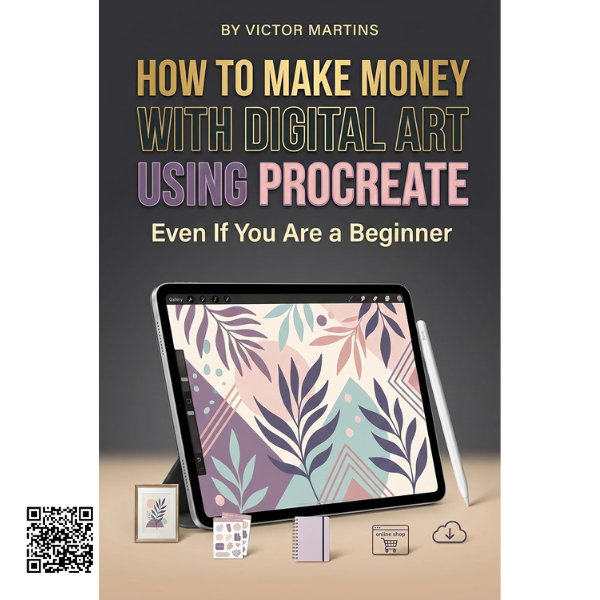
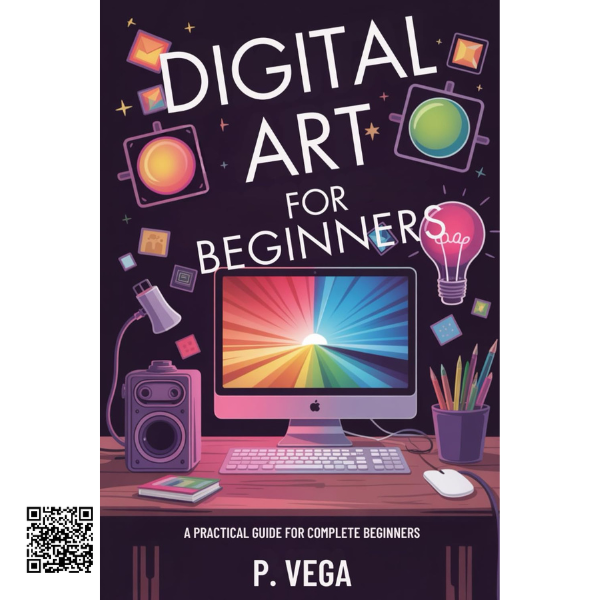
Beginner’s Guide to Digital Painting in Clip Studio Paint
Build your digital art skills with a comprehensive introduction to Clip Studio Paint, featuring practical instruction, visual demonstrations, professional tutorials, and creative techniques for artists at different experience levels.
Your Introduction to Clip Studio Paint
Clip Studio Paint is a versatile digital drawing and animation application used by artists across a wide range of creative disciplines. Its extensive collection of drawing, painting, illustration, comic, and animation tools makes it suitable for both newcomers and experienced digital artists.
This guide provides a structured starting point for anyone who wants to understand the software and begin creating digital artwork. Instead of simply listing features, it combines explanations with visual demonstrations and practical instruction to make the learning process easier to follow.
Build a Strong Foundation
The comprehensive Getting Started section introduces the essential features and workflows you need to become comfortable with Clip Studio Paint. Step-by-step explanations help turn unfamiliar tools into practical parts of your creative process.
Getting Started
Become familiar with the software interface, essential tools, and fundamental workflows.
Visual Guidance
Follow software screenshots and visual examples that demonstrate the creative process clearly.
Step-by-Step Learning
Work through detailed instructions designed to make complex digital art processes easier to understand.
Learn from Professional Digital Artists
The guide goes beyond basic software instruction with detailed tutorials created by professional artists. These lessons provide insight into different creative workflows and demonstrate how Clip Studio Paint can be used to approach a variety of artistic subjects.
By studying different artists and approaches, readers can explore new techniques, compare workflows, and find methods that complement their own creative style.
Explore a Wide Range of Art Styles
Clip Studio Paint can support many different forms of digital artwork. The tutorials in this guide explore a variety of genres, giving readers opportunities to see how the software can be adapted to different creative goals.
Manga & Comics
Explore workflows suited to comic and manga-style artwork.
Character Design
Develop characters and explore digital illustration techniques.
Landscapes
Explore approaches for both realistic and imaginative environments.
Fantasy Art
Experiment with imaginative worlds and creative visual concepts.
Picture-Book Illustration
Learn approaches for developing engaging illustrated scenes.
Learn Through Art in Progress
Seeing artwork develop from an early stage to a finished result can make digital techniques much easier to understand. The guide uses software screenshots, detailed written steps, and artwork in progress to provide a visual learning experience.
Follow the creative process
Understand tools in context
Study professional workflows
Apply techniques to your own artwork
A Resource for New & Existing Users
Whether you are opening Clip Studio Paint for the first time or already have some experience with the software, this guide offers a combination of foundational instruction and more detailed artistic tutorials. Beginners can establish a strong foundation, while existing users can explore different techniques and creative approaches.
Learn. Create. Experiment. Develop Your Style.
Build confidence with Clip Studio Paint through practical instruction, visual demonstrations, professional artist tutorials, and creative projects covering manga, character design, landscapes, fantasy art, illustration, and more.