SKILL SOURCE • MOBILE SECURITY
How to Secure Your Smartphone Against Cyber Threats
Smartphones contain messages, photographs, contacts, accounts,
documents, payment applications, and other valuable information.
Learn practical ways to make your phone more secure every day.
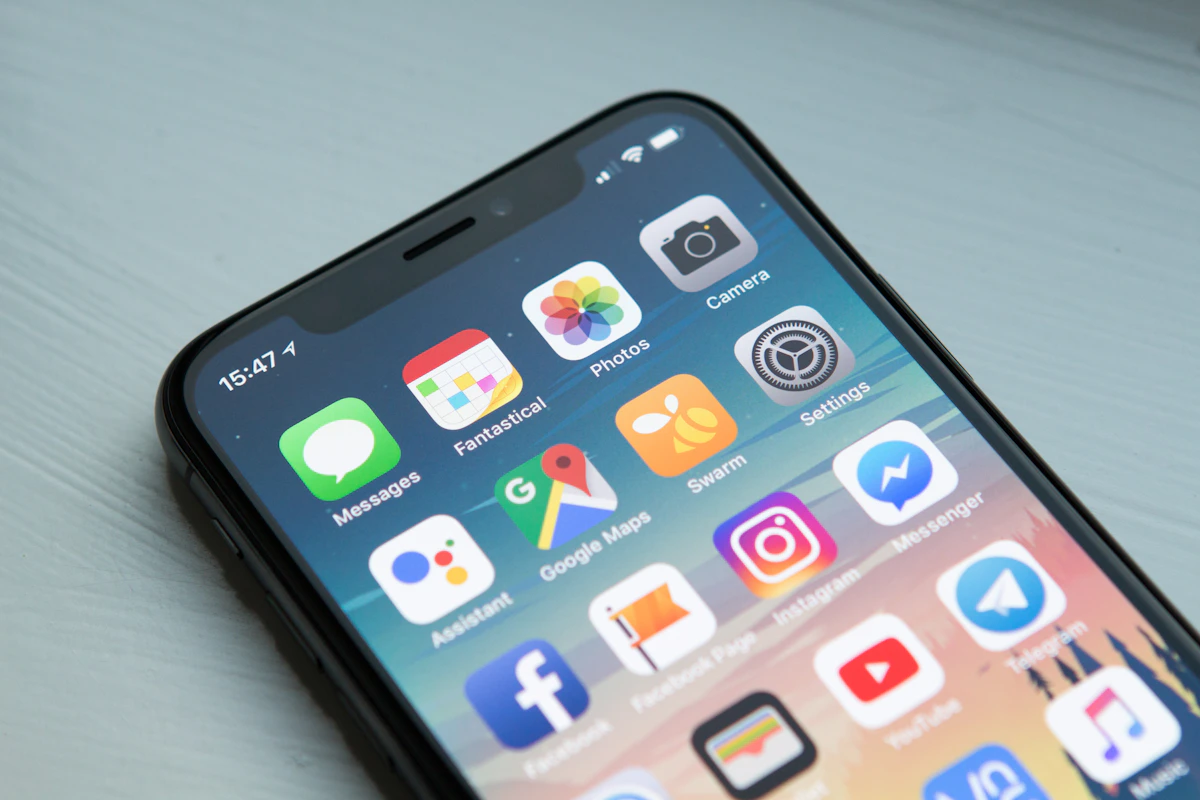
Your Smartphone Is a Small Computer
Modern smartphones do much more than make calls. They can store
personal photographs, business documents, passwords, authentication
information, financial applications, contacts, emails, and access to
social media and cloud services.
Because so much information is concentrated on one device, smartphone
security deserves the same attention as computer security.
Security starts with the device itself.
A secure screen lock, updated software, careful app choices, and
sensible privacy settings can significantly improve your everyday
smartphone security.
DEVICE ACCESS
Start With a Strong Screen Lock
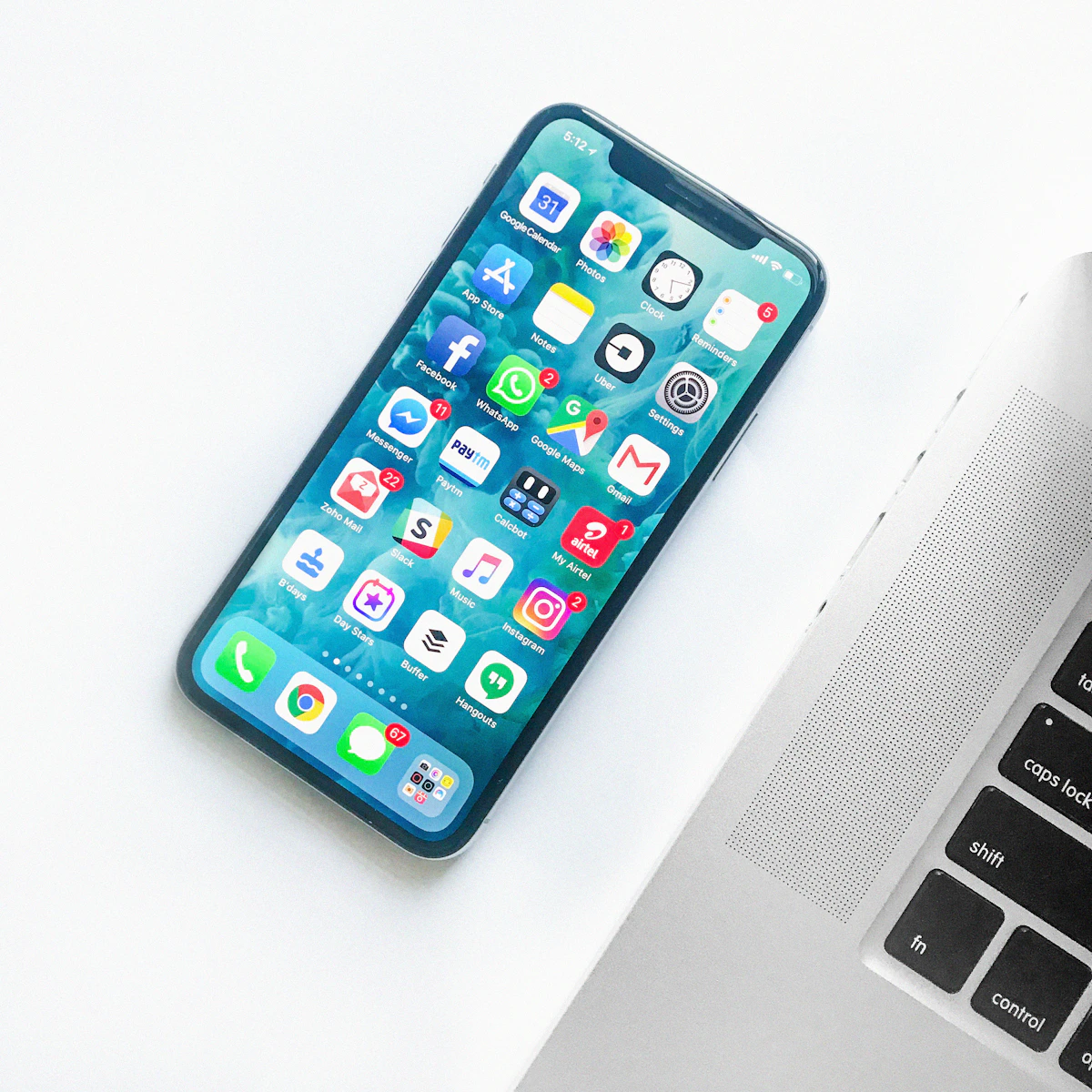
Your phone’s screen lock is one of the first barriers protecting
information stored on the device. Use an appropriate PIN, password,
or supported biometric authentication method.
Avoid easily guessed combinations such as simple sequences or
information that another person could easily associate with you.
PIN
Use a PIN that is difficult for others to guess.
Password
Use a stronger password when appropriate.
Biometrics
Use supported biometric security as an additional convenience.
SOFTWARE SECURITY
Keep Your Phone and Apps Updated
Smartphone operating systems and applications are regularly updated.
Updates can introduce new functionality, improve stability, and address
security vulnerabilities.
Where practical, enable automatic updates or regularly check for
available updates through your device’s legitimate software-update
system and official app store.
Don’t postpone security updates indefinitely.
Keeping software current is one of the simplest ongoing security
habits you can develop.

APP SECURITY
Install Apps Carefully
Applications can request access to different smartphone features and
information. Before installing an app, consider whether it comes from
a legitimate source and whether its requested permissions make sense.
Avoid installing applications from questionable websites or unexpected
links when an official app store or the developer’s legitimate
distribution method is available.
Source
Consider where the application came from.
Permissions
Review what information and features the app wants to access.
Necessity
Remove applications you no longer need.
PRIVACY CONTROL
Review App Permissions
Many smartphones allow you to control whether applications can access
features such as your camera, microphone, contacts, location, photos,
or other information.
Review permissions periodically and ask whether each application
genuinely needs the access it has been granted.
Less unnecessary access can mean less unnecessary exposure.
Permission controls vary by operating system and device. Check your
phone’s privacy settings for the available options.
NETWORK AWARENESS
Think Carefully About Public Wi-Fi
Public wireless networks can be convenient in airports, hotels,
restaurants, shopping centres, libraries, and other locations.
However, you should still treat unfamiliar networks cautiously.
Confirm the network name when possible and avoid performing highly
sensitive activities on networks you do not trust.
Verify
Confirm you are connecting to the intended network.
Be Careful
Think before accessing highly sensitive information.
Disconnect
Turn off Wi-Fi when you no longer need the connection.

Manage Bluetooth and Nearby Connections
Bluetooth and other wireless features are useful for headphones,
vehicles, watches, keyboards, speakers, and other devices.
Review your phone’s connection settings and remove old or unfamiliar
paired devices when appropriate. Disable wireless features when you
do not need them if doing so makes sense for your normal usage.
Clean up old connections
If you no longer use a device that was paired with your phone,
consider removing it from the list of trusted or paired devices.
DATA PROTECTION
Back Up Important Information
Security is not only about preventing unauthorized access. It is also
about making sure important information can be recovered after loss,
theft, device failure, or another unexpected problem.
Use the backup features provided by your device ecosystem or another
trusted backup solution for important photographs, contacts, documents,
and other information.
Test your recovery plan.
A backup is most useful when you understand how your information can
actually be restored.
DEVICE RECOVERY
Enable Device-Finding Features
Modern smartphone platforms commonly provide features that can help
locate, lock, or manage a lost device. Availability and capabilities
vary by operating system and account configuration.
Review your device’s legitimate security settings before you need them.
Losing a phone is stressful enough without discovering that recovery
features were never configured.
MOBILE PHISHING
Be Alert to Suspicious Text Messages
Phishing does not only happen through email. SMS messages and messaging
applications can also be used to create fake delivery notices, account
warnings, payment requests, or other deceptive scenarios.
Be particularly cautious when a message asks you to click a link,
provide credentials, reveal a verification code, or make a payment.
Stop
Don’t react immediately to an unexpected request.
Verify
Check the request through a trusted route.
Protect
Never casually provide passwords or security codes.
PRIVACY
Review Your Privacy Settings
Smartphones can collect and process information related to location,
applications, contacts, photographs, usage, and other activities.
Review the privacy controls available on your phone and understand
which applications have access to sensitive information or device
capabilities.
Make privacy a routine check
App updates and operating-system changes can introduce new settings,
so reviewing privacy controls occasionally is a useful habit.
Smartphone Security Checklist
A quick checklist for your everyday mobile security routine.
✓ Use a strong screen lock.
✓ Keep the operating system and apps updated.
✓ Install applications carefully.
✓ Review app permissions.
✓ Be cautious with unfamiliar Wi-Fi networks.
✓ Back up important information.
✓ Watch for suspicious text messages and links.
✓ Review privacy and device-recovery settings.
Make Smartphone Security Part of Your Routine
Your smartphone carries a large amount of personal and digital
information. Protecting it does not require complicated technical
knowledge. Strong device access controls, software updates, careful
app installation, privacy reviews, backups, and awareness of scams
can all contribute to better security.
Small security habits can make a meaningful difference over time.
RELATED CYBERSECURITY TOPICS
Continue Learning
Phishing Protection
Learn how deceptive messages can trick users into taking unsafe actions.
Wi-Fi Security
Understand practical ways to protect your wireless network.
Password Security
Build better habits for protecting your online accounts.
Educational Notice:
This article provides general cybersecurity education. Smartphone
features, privacy controls, security options, and recovery capabilities
vary by manufacturer, operating system, device model, and software version.